Getting Started
Hiddify NG vs Hiddify Next vs Hiddify: What's the Difference?
Learn the difference between the old Hiddify NG client and the current multi-platform Hiddify app, and avoid untrusted third-party APK sites.
Read MoreSecure. Fast. Freedom. Support All Platforms
Perfect support for Windows, macOS (Intel & Apple Silicon), Linux, Android, and iOS, meeting all your device needs.
Native support for Reality, TUIC, Hysteria, VLESS and other latest protocols, ensuring stable and efficient connections.
All downloads are from official GitHub, completely open source code, no third-party modifications, ensuring pure and secure.
Enjoy fast and secure internet in 3 simple steps
Copy the subscription link or scan the QR code from your provider.
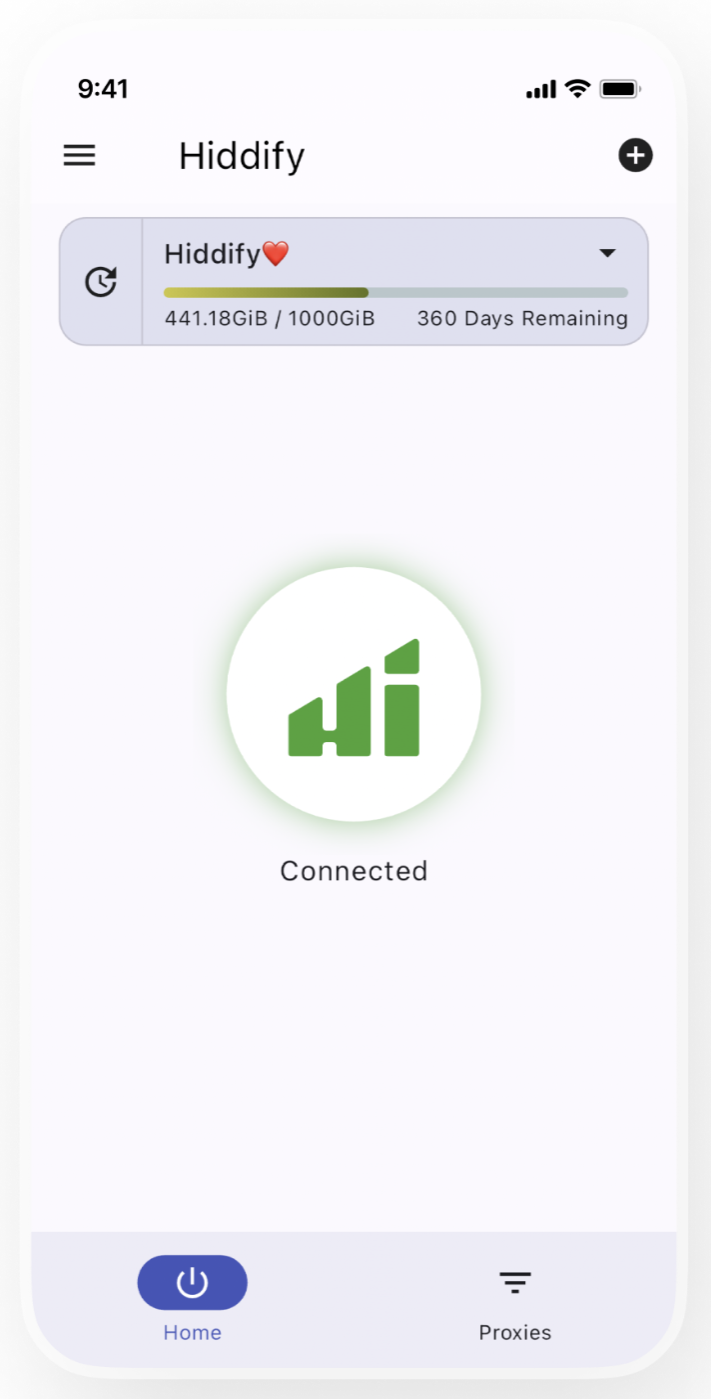
Open Hiddify Next, click the plus icon and paste the link to configure.
Click the big circle button to connect and enjoy a secure, fast network.
Copy the subscription link or scan the QR code from your provider.
Open Hiddify Next, click the plus icon and paste the link to configure.
Click the big circle button to connect and enjoy a secure, fast network.
Learn the difference between the old Hiddify NG client and the current multi-platform Hiddify app, and avoid untrusted third-party APK sites.
Read MoreTrace a Hiddify profile import failure through link integrity, response content, HTTPS certificates, client parsing, and server status.
Read MoreA green connection button only indicates a client connection state; it does not prove that DNS, routing, and the remote node can all carry traffic.
Read More